
ali
Terminal-based load testing tool with live performance visualization. Monitor latency, percentiles, and request metrics with zoomable charts and mouse support across all platforms.
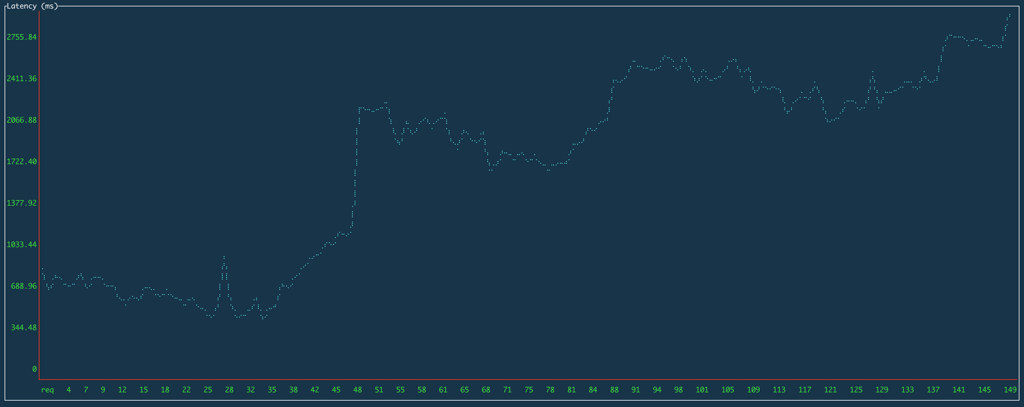
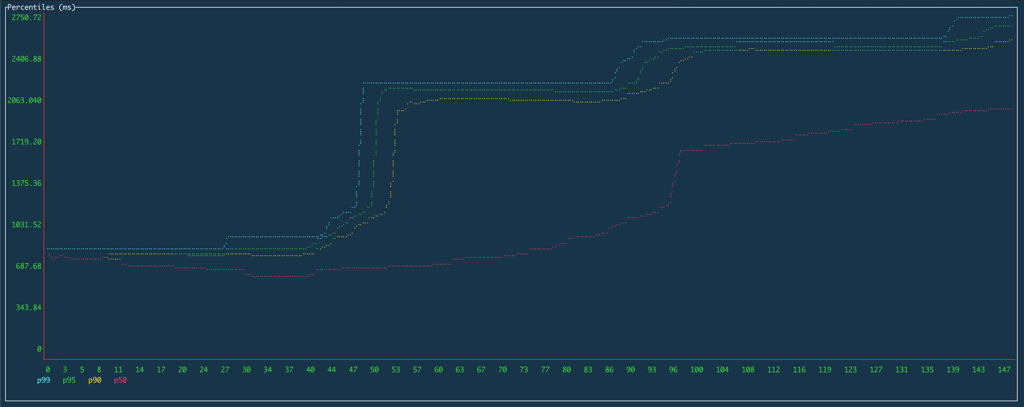
A terminal-based load testing tool that brings real-time performance analysis directly to your command line. Ali lets you measure HTTP request performance with an embedded UI that displays live charts for latency, percentiles, and request metrics as tests run.
Key capabilities:
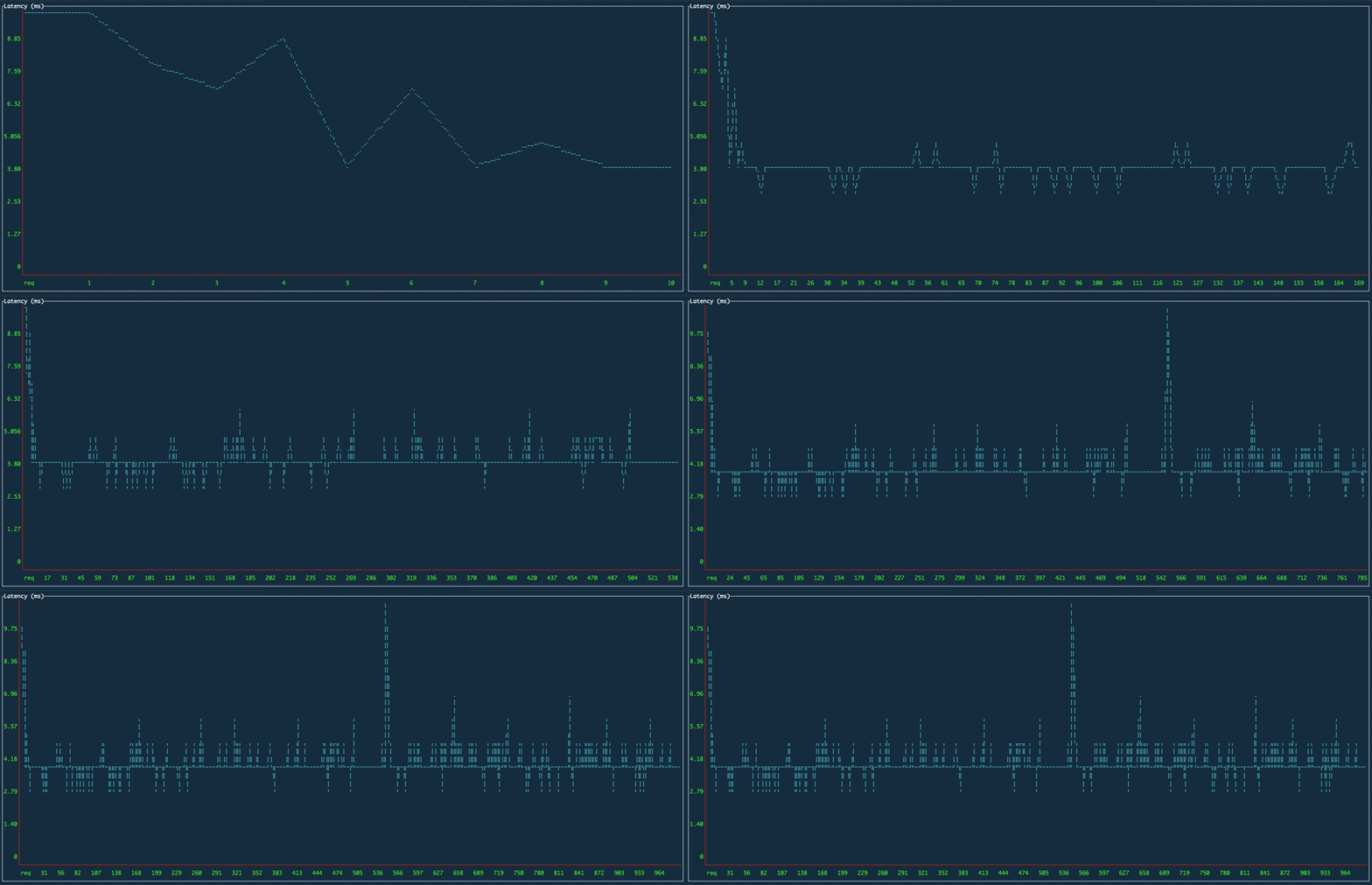
- Real-time visualization - Watch latency trends, percentile changes, and request metrics update live on interactive charts
- Interactive terminal UI - Click and drag to zoom into specific time ranges, switch between chart views with keyboard shortcuts
- Flexible configuration - Control request rates, test duration, custom headers, connection limits, and worker counts
- Mouse support - Intuitive interaction with charts and controls directly in the terminal
- Cross-platform - Runs on macOS, Linux, Windows, and FreeBSD
- Export results - Save test data for further analysis and reporting
- Advanced options - Support for POST requests, custom bodies, TLS certificates, DNS resolvers, and HTTP/2 control
Ideal for developers, backend engineers, and system administrators who need to test APIs and services interactively without leaving the terminal. Perfect for quick performance checks during development or comprehensive load testing campaigns.
Install
Brew
$ brew install nakabonne/ali/aliFeatures
JSON outputScriptableTrue color
Media

Pros
4- Terminal-based UI with live performance visualization
- Real-time analysis of latency, percentiles, and request metrics
- Zoomable charts and mouse support for intuitive interaction
- Supports exporting results for downstream processing
Related tools

Categories:
Activity score
54/100
Stars
3,936Forks
152Latest version
v0.8.0Last commit
9 months agoFirst release
6 yearsLanguage
GoLicense
MIT
Quiet lately: No commits in 9 months — this project might not be actively maintained.
Auto-fetched .
Recent releases
- 9 months ago
- 5 years ago
- 5 years ago
- 5 years ago
- 5 years ago
Similar to ali