
gum
Build polished shell scripts with ready-to-use interactive components like input prompts, menus, confirmations, and styled text output.
Gum brings sophisticated user interface components to your shell scripts and command-line workflows. Built on proven libraries like Bubbles and Lip Gloss, it eliminates the need to write Go code while delivering professional-quality interactive experiences.
Create engaging shell scripts with key features including:
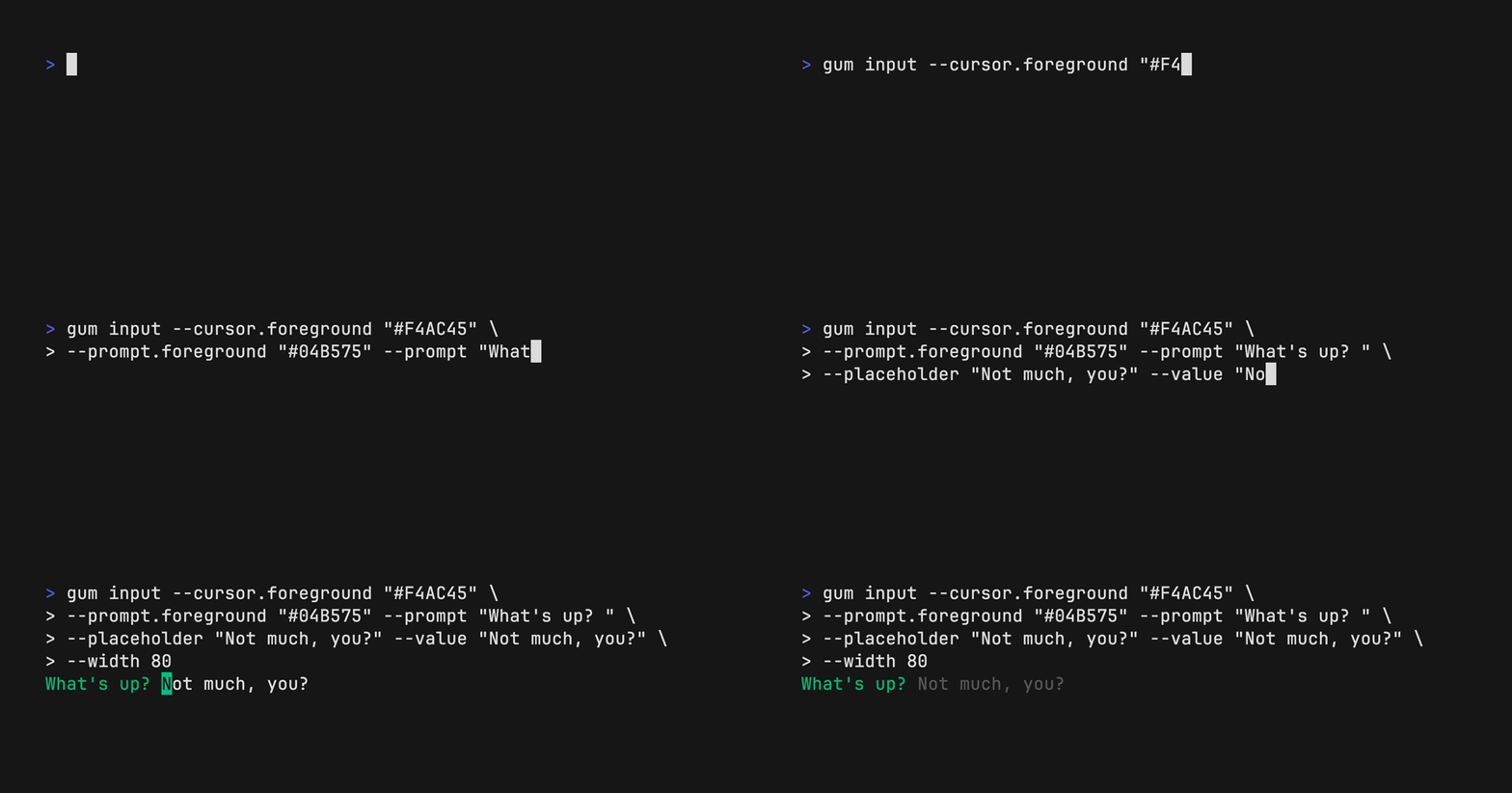
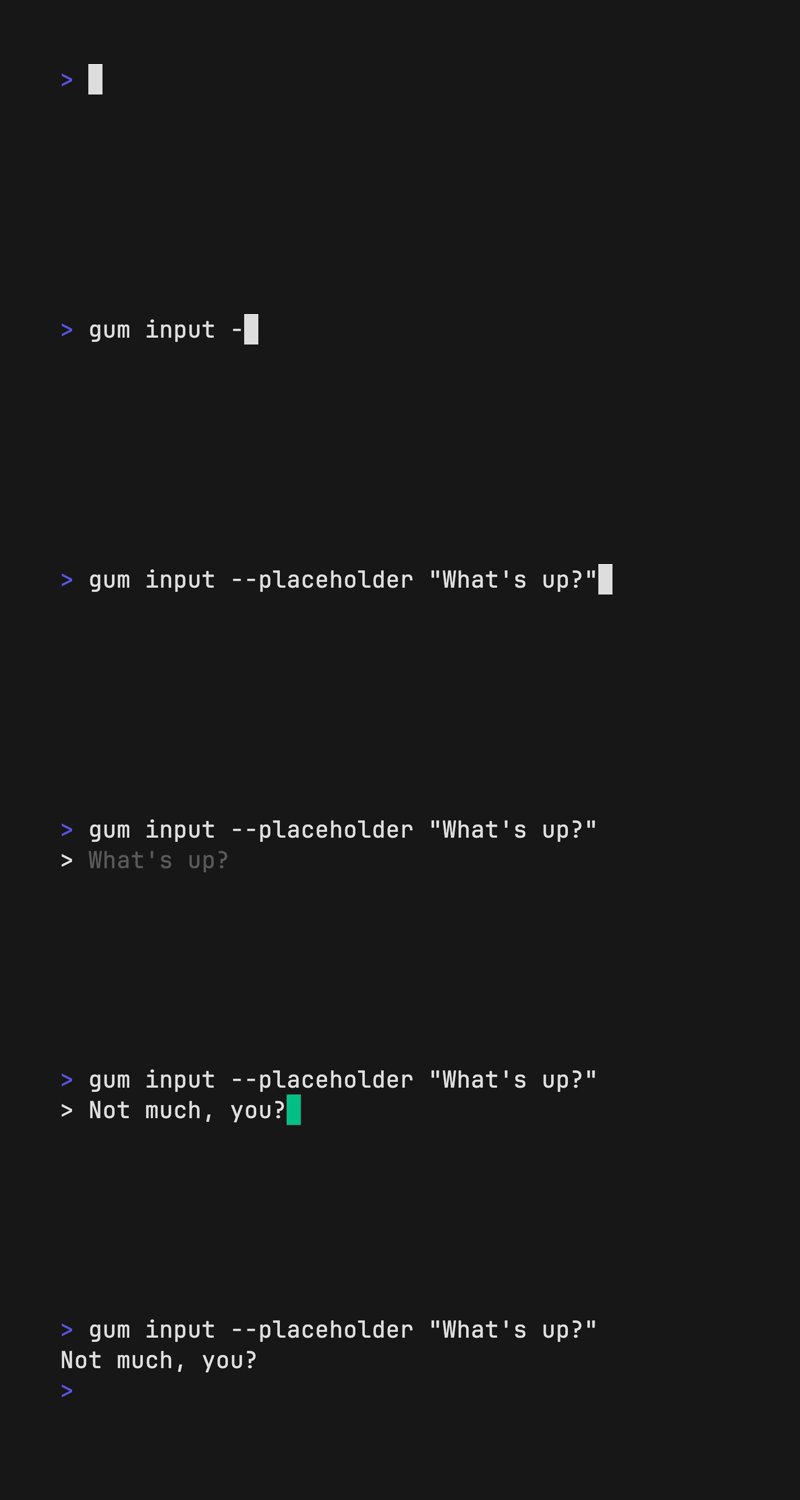
- Input & Output: Prompt for text input, multi-line writing, and password entry
- Selection Tools: Choose from lists, filter with fuzzy matching, and select multiple items
- User Confirmation: Ask yes/no questions with clear visual feedback
- File Navigation: Browse and select files from your filesystem
- Visual Enhancements: Apply colors, borders, spacing, and styling to text
- Data Display: Render tables and scroll through long documents
- Process Feedback: Show spinners while commands execute
- Flexible Customization: Configure every aspect via command flags or environment variables
Whether you're building Conventional Commits helpers, interactive dotfile scripts, or complex automation workflows, Gum provides the building blocks to create polished, user-friendly command-line tools. Available across macOS, Linux, Windows, and BSD systems with multiple installation options including Homebrew, package managers, and direct binary downloads.
Install
Brew
$ brew install gumFeatures
JSON outputScriptableTrue color
Media




Pros
4- Provides interactive components for shell scripts
- Highly configurable via flags and environment variables
- Easy integration into existing scripts and aliases
- Supports various interactive elements like prompts, menus, and spinners
Related tools


Categories:
Similar to gum