
jira-cli
Interactive command-line tool for Jira that lets you search, create, update, and manage issues efficiently. Works with Cloud and on-premise installations.
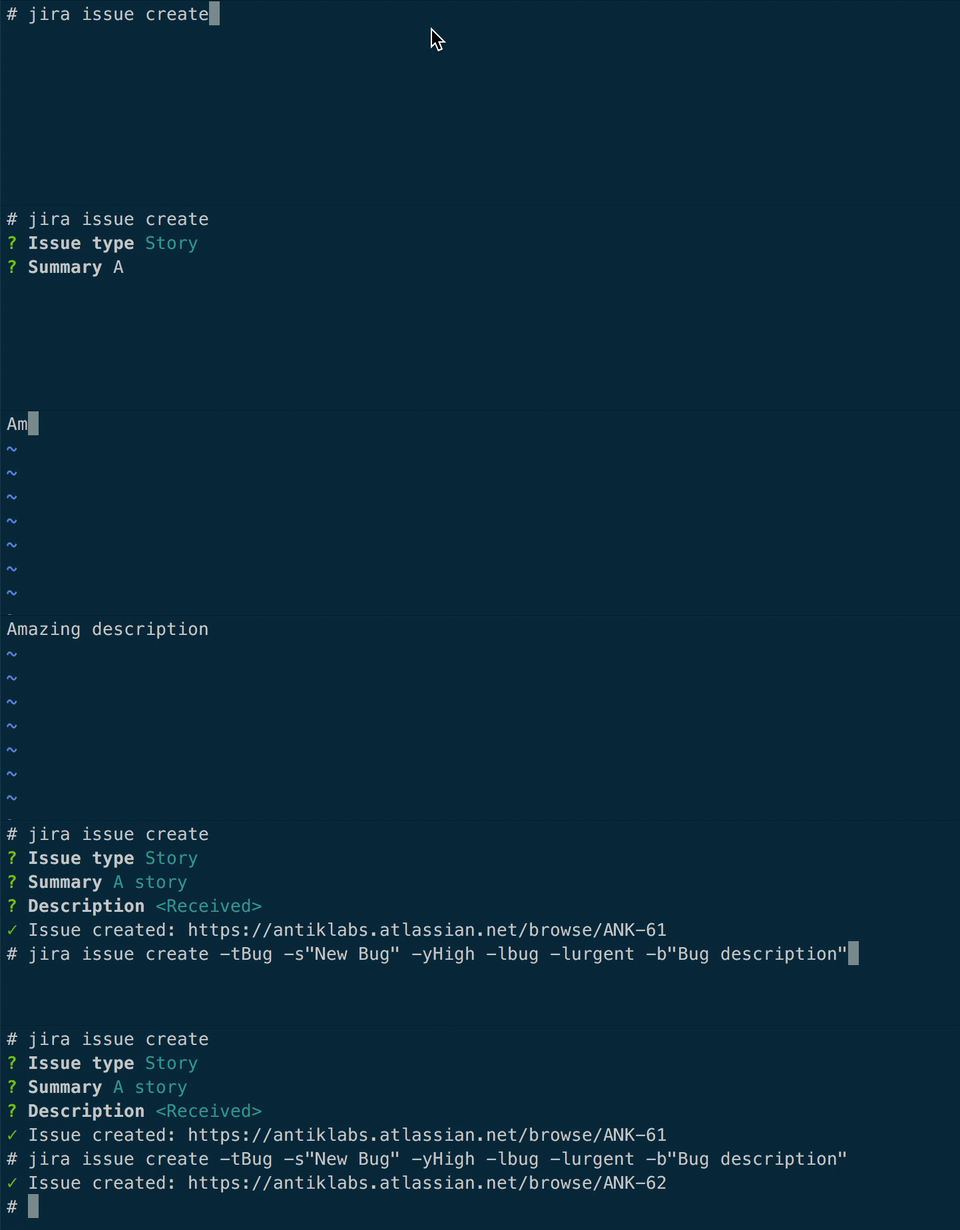
JiraCLI is an interactive command-line interface that brings essential Jira functionality to your terminal, eliminating the need to constantly switch to the web interface. Whether you're managing tickets, tracking priorities, or coordinating with your team, this tool handles your most common workflows directly from the command line.
Key capabilities include:
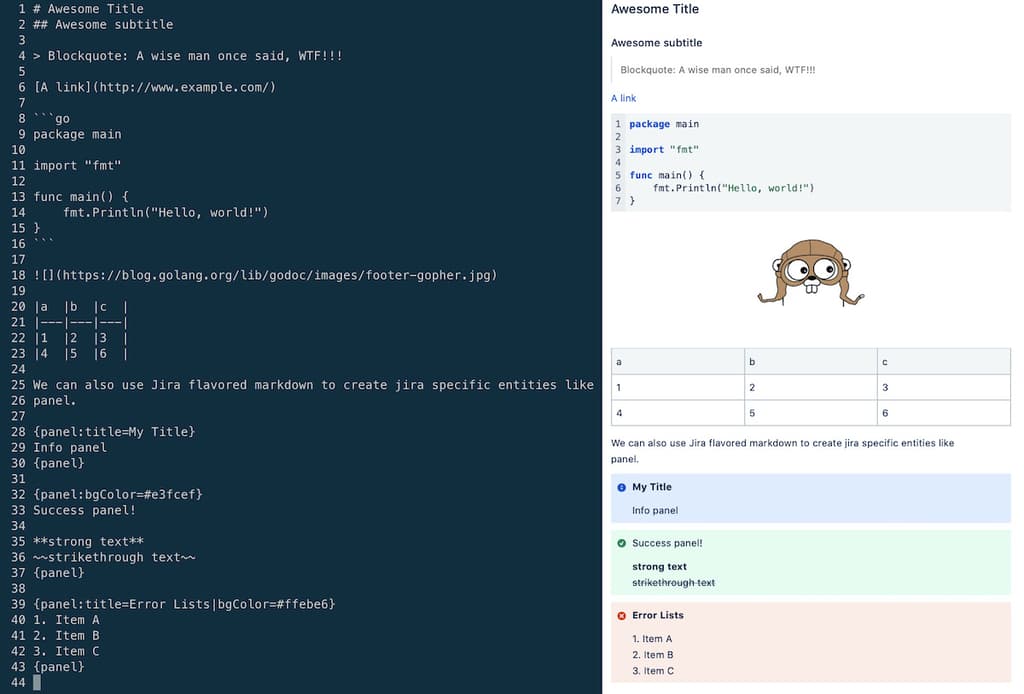
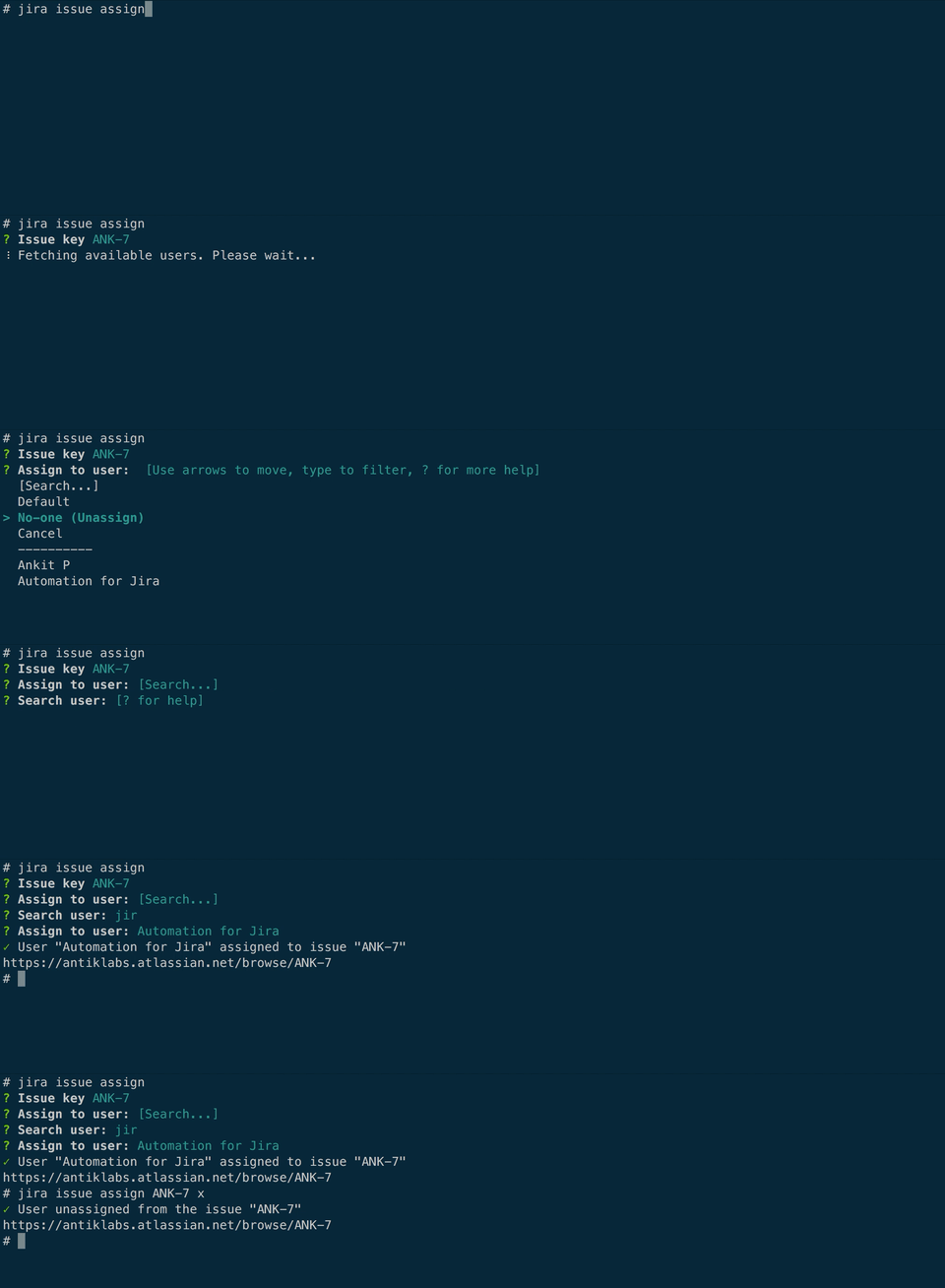
- View, create, delete, and update issues without leaving your terminal
- Search and filter tickets by priority, status, and custom criteria
- Display epics and issues in organized table views
- Clone issues and manage issue linking
- Transition tickets between workflow states
- Support for multiple Jira instances with flexible configuration
- Compatible with both Jira Cloud and on-premise installations
Authentication is straightforward with support for basic auth, personal access tokens, and client certificates. The tool works across Linux, macOS, FreeBSD, and NetBSD, with partial Windows support. Installation is simple through package managers like Homebrew, Nix, or direct binary downloads. Shell completion for bash and zsh is available to speed up your command entry.
The interface is designed to be intuitive and responsive, inspired by GitHub CLI principles. Whether you're a developer, project manager, or DevOps engineer, this tool reduces context switching and keeps you productive in your preferred environment.
Features
Media


Pros
4- Manages Jira issues from the command line
- Supports Jira Cloud and on-premise installations
- Interactive interface for efficient workflow
- Can output JSON for scripting
Cons
1- Windows support is partial
Related tools


Similar to jira-cli