
jrnl
A command-line journal tool for creating timestamped entries, searching by keywords or dates, and storing notes in encrypted plain text files.
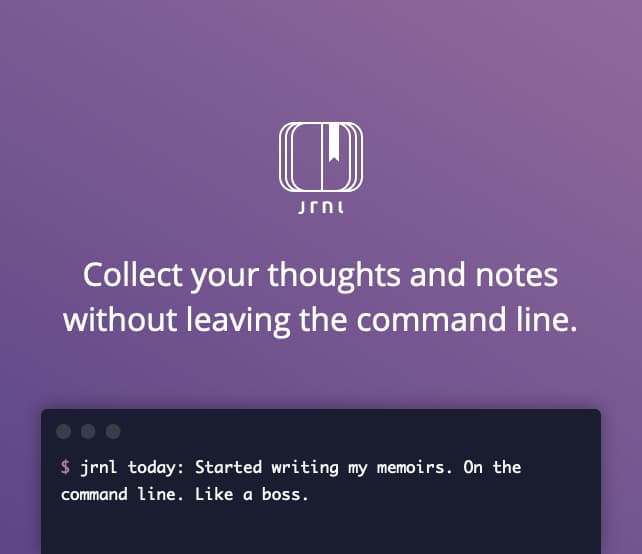
jrnl is a lightweight CLI journal application that lets you capture thoughts, daily logs, and notes without leaving the terminal. Create entries with simple natural language timestamps—just type jrnl yesterday: Your entry here and it automatically parses the date and content.
Key capabilities include:
- Timestamped entries with automatic date parsing for natural language like "yesterday" or "last week"
- Full-text search across your journal by keywords, dates, or custom tags
- Inline tagging to organize and categorize entries on the fly
- Optional AES encryption to keep sensitive journals secure
- Multiple journals to separate personal, work, or project-specific notes
- Starred entries for marking important moments
- System editor integration for composing longer entries in your preferred editor
- Flexible filtering with commands like
jrnl -n 20to view recent entries - Cloud sync support by storing journals in shared folders on services like Dropbox or Google Drive
Perfect for developers, writers, and students who prefer working in the shell. Whether you need quick daily logs, project documentation, or a personal diary, jrnl keeps everything in human-readable plain text that you fully control.
Features
Config fileJSON outputScriptable
Media

Pros
4- Timestamped journal entries
- Searchable by keywords and dates
- Encrypted plain text storage
- Configurable to use external editor
Related tools



Categories:
Activity score
90/100
Stars
7,342Forks
569Latest version
v4.6Last commit
2 days agoFirst release
15 yearsLanguage
PythonLicense
GPL-3.0
Auto-fetched .
Recent releases
- 2 months ago
- 2 years ago
- 2 years ago
- 3 years ago
- 3 years ago
Similar to jrnl