
ox
Fast, configurable terminal text editor written in Rust. Features syntax highlighting, multiple cursors, splits, plugins, and extensive customization without the bloat of traditional IDEs.
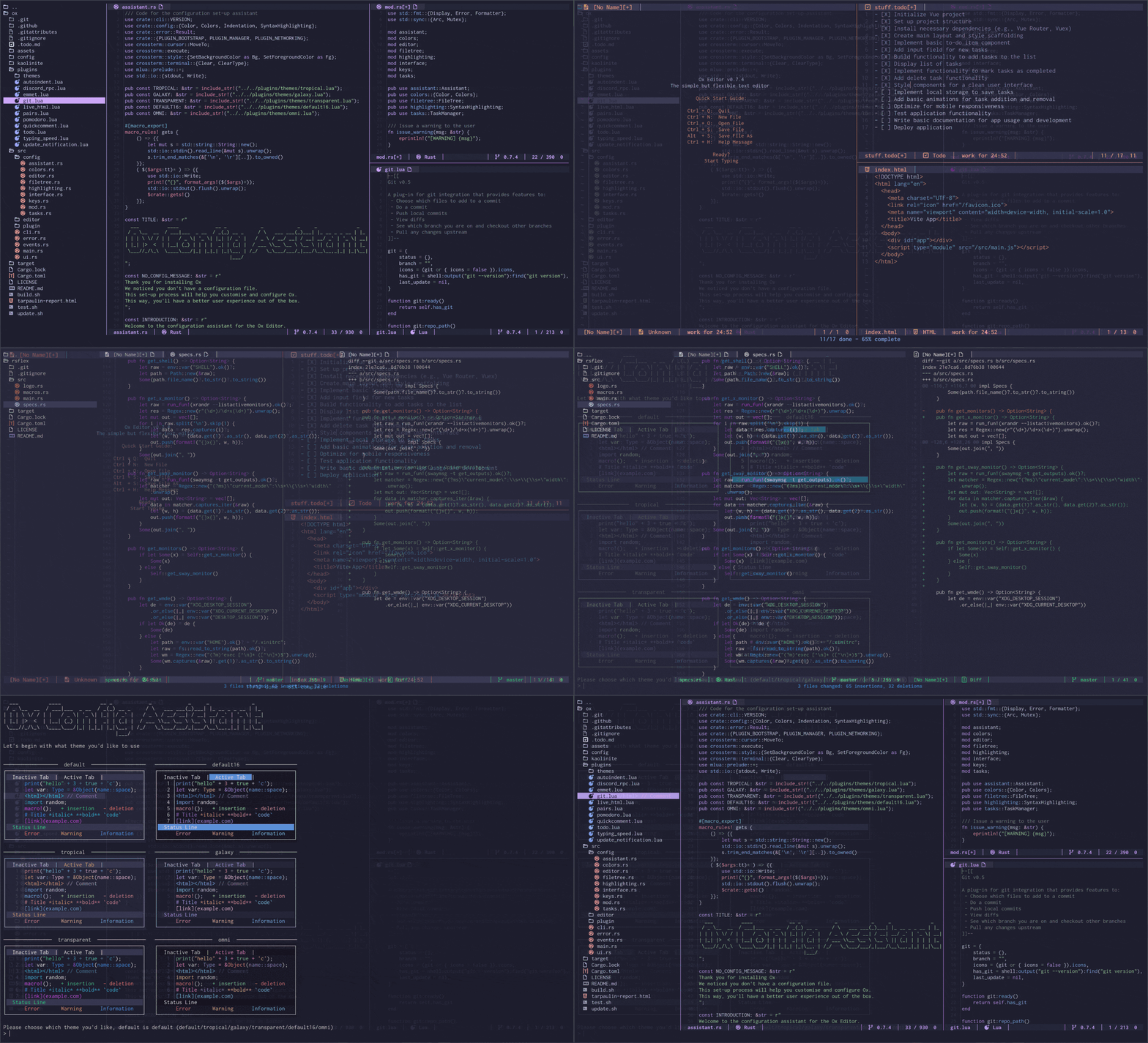
Ox is a lightweight terminal-based text editor designed for developers who want power without the overhead. Built entirely in Rust using ANSI escape sequences, it delivers a responsive editing experience that runs directly in your terminal.
Key Features:
- Minimal resource footprint - Runs efficiently without consuming system resources like heavier editors
- Highly configurable - Customize colors, key bindings, and behaviors through Lua configuration
- Plugin system - Extend functionality with community plugins including Discord RPC, Git integration, Emmet, AI code assistance, and more
- Advanced editing capabilities - Multiple cursors, recordable macros, undo/redo, search and replace
- Built-in tools - File tree navigation, terminal access, split windows for viewing multiple documents, syntax highlighting
- Cross-platform support - Works on Linux, macOS, and Windows with native installation methods
- Setup wizard - Interactive configuration guide for first-time users
Unlike modal editors such as Vim, Ox lets you start typing immediately. Navigate with arrow keys or mouse, select text by clicking and dragging, and access all features through intuitive keyboard shortcuts. The status line keeps you informed about editor state, while the feedback line displays messages and warnings.
Whether you're writing code, documentation, or plain text, Ox provides a simple yet flexible environment that respects your system resources while delivering professional-grade editing features.
Install
$ dnf install /path/to/rpm/fileFeatures
Shell features
Terminal features
Media
Pros
4- Lightweight and efficient terminal text editor
- Highly configurable with Lua scripting
- Extensive plugin system for added functionality
- Supports multiple cursors and splits for advanced editing
Related tools
Alternatives
3



Similar to ox