
procs
Replace ps with a Rust-built tool offering colored output, multi-column search, Docker integration, and watch mode for Linux, macOS, Windows, and FreeBSD.
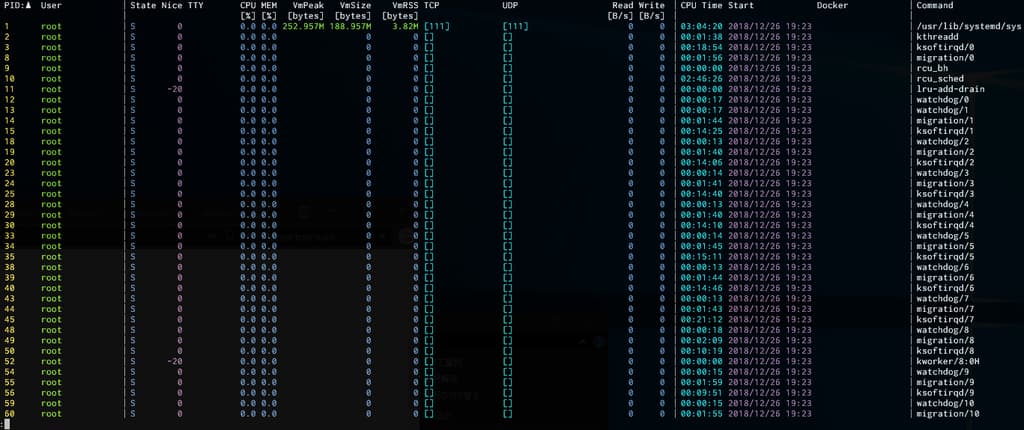
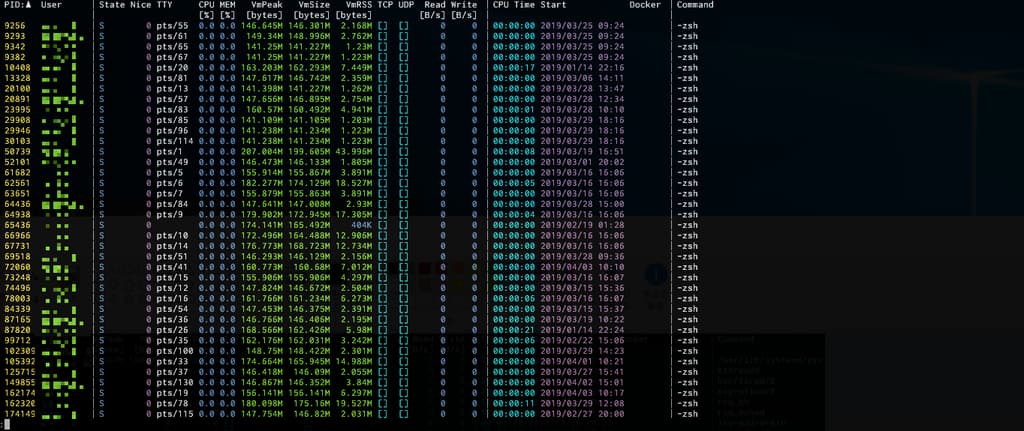
procs is a modern replacement for the traditional ps command, built in Rust to deliver a significantly better user experience. Instead of cryptic process listings, you get colored, human-readable output that automatically adapts to your terminal's background theme.
Key capabilities include:
- Rich visual output with automatic theme detection and color coding for easy scanning
- Intelligent search across multiple columns with support for both text and numeric keywords
- Advanced information not available in standard ps: TCP/UDP ports, read/write throughput, Docker container names, and detailed memory metrics
- Watch mode for continuous monitoring similar to top, with keyboard controls for sorting and filtering
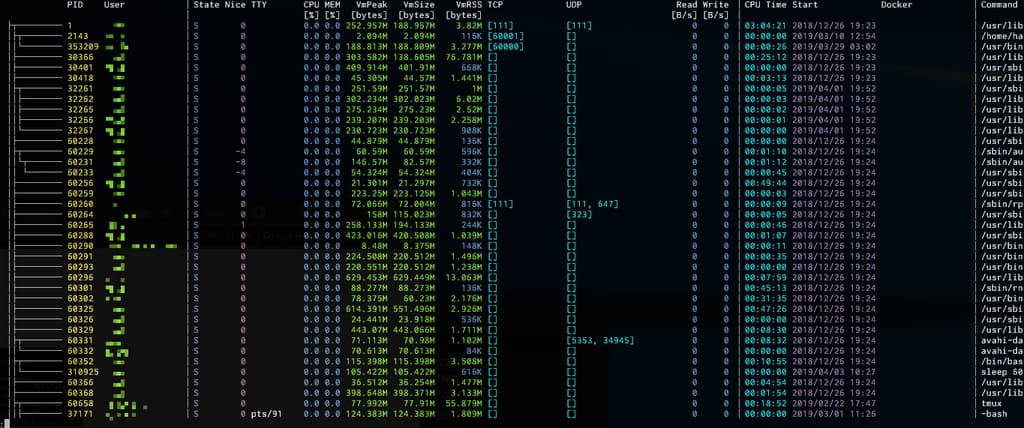
- Tree view displaying process dependencies and hierarchical relationships
- Pager integration for handling large process lists
- Cross-platform support on Linux, macOS, Windows, and FreeBSD
The tool supports flexible search operations including AND, OR, NAND, and NOR logic between keywords. You can sort by any column in ascending or descending order, and Docker container information displays automatically when you have daemon access. Installation is straightforward through multiple package managers including Homebrew, Cargo, Snap, and native Windows package managers.
Install
Snap
$ snap install procsFeatures
Config fileJSON outputTrue color
Media
Pros
4- Provides colored and human-readable output
- Supports multi-column keyword search
- Includes Docker container name in output
- Offers a watch mode similar to top
Cons
2- Experimental support for macOS and FreeBSD
- Some process information requires root privileges
Related tools


Categories:
Similar to procs