
impala
Manage wireless connections on Linux through an intuitive terminal interface. Supports WPA Enterprise, access point mode, QR code sharing, and hidden networks with customizable keybindings.
Impala is a terminal user interface (TUI) tool that brings wireless network management directly to your Linux command line. Built on top of iwd (Internet Wireless Daemon), it provides a streamlined alternative to traditional GUI-based network managers.
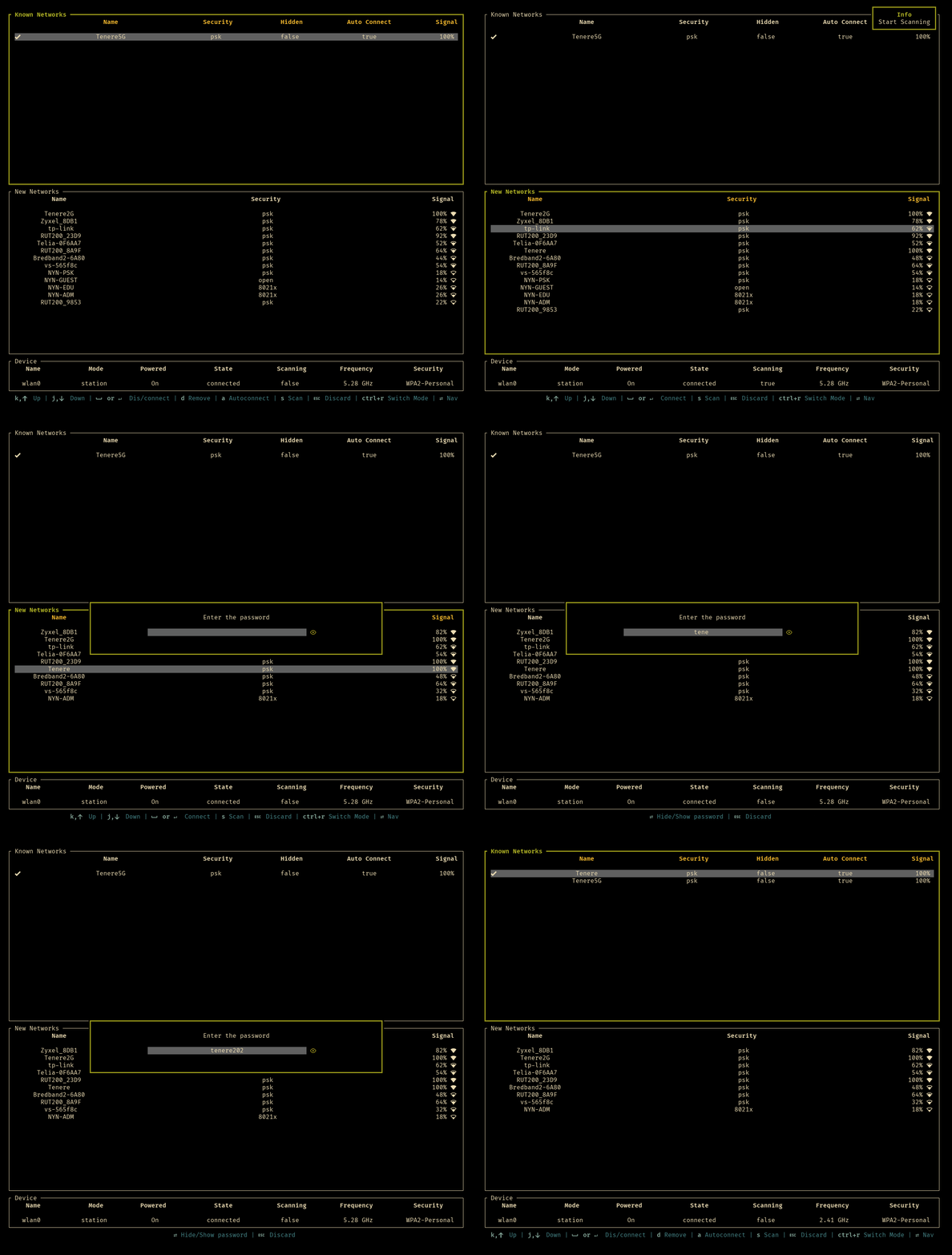
Key capabilities include WPA Enterprise (802.1X) support for secure corporate networks, dual-mode operation as both a station and access point, and QR code network sharing for quick device connections. The tool handles hidden networks seamlessly and offers comprehensive control over device power states and network scanning.
The interface features intuitive navigation with customizable keybindings configured through a simple TOML file. Manage known networks with autoconnect toggles, remove unwanted connections, and control access point functionality directly from the terminal. Optional Nerd Font support enhances the visual experience with icons.
Installation is straightforward through multiple channels: pre-built binaries, Cargo, Arch Linux repositories, Nixpkgs, or building from source. The tool requires iwd to be running and recommends disabling conflicting services like NetworkManager or wpa_supplicant to prevent interference.
Install
$ cargo install impalaFeatures
Media

Pros
4- Manages wireless connections via terminal interface
- Supports WPA Enterprise and access point modes
- Allows QR code sharing of network credentials
- Customizable keybindings for efficient operation
Cons
1- Requires disabling conflicting wireless management services
Similar to impala