
Termux
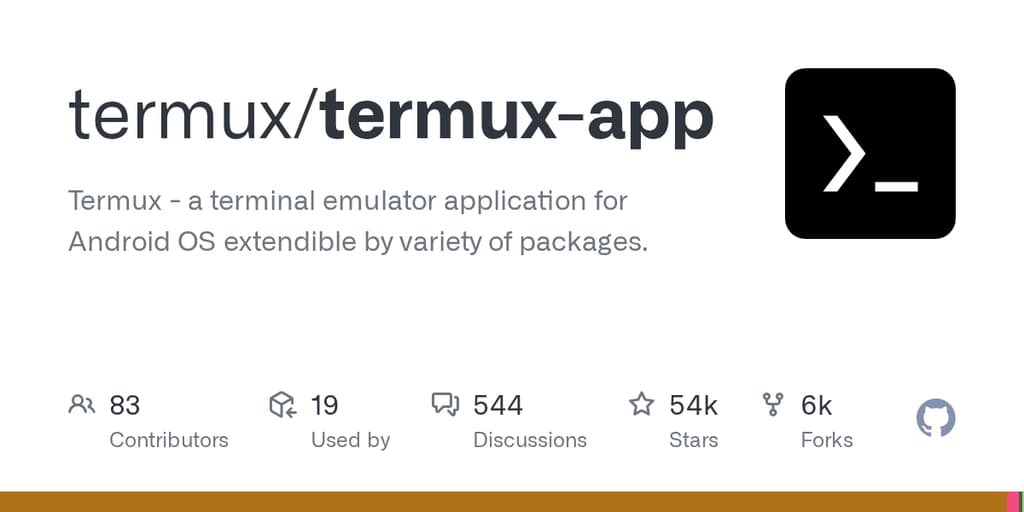
A powerful terminal emulator and Linux environment for Android.
Turn your Android device into a powerful Linux terminal with Termux, a feature-rich terminal emulator that brings the full power of command-line computing to your pocket. This open-source tool combines a complete bash and zsh shell environment with access to thousands of Linux packages through the apt package manager.
Access a comprehensive toolkit for development and system administration:
- Shell environments - Run bash and zsh with full scripting capabilities
- Text editing - Use nano and vim for file editing
- Remote access - Connect to servers via SSH
- Development tools - Compile code with gcc and clang, run Python for calculations
- Version control - Manage projects with git and subversion
- Gaming - Play text-based games with frotz
Getting started is simple: On first launch, a minimal base system downloads automatically. Then use the familiar apt package manager (from Debian and Ubuntu) to install any additional packages you need. Access the built-in help by long-pressing on the terminal to discover more capabilities.
Whether you're a developer needing a portable coding environment, a system administrator managing remote servers, or a power user who wants Linux tools at their fingertips, Termux delivers a genuine terminal experience on Android without requiring root access.
Shell features
Features
Media
Pros
4- Combines terminal emulation with Linux package collection
- Supports popular shells like bash and zsh
- Includes common development tools like git, gcc, and python
- Utilizes apt package manager for easy installation
Cons
2- Requires Android 7.0 or newer
- F-Droid installation may not provide update notifications
Terminal capabilities
- GPU accelerated
- —
- True color
- —
- Sixel
- —
- Kitty graphics
- —
- iTerm2 images
- —
- Font ligatures
- —
- Styled underlines
- —
- OSC 52 clipboard
- —
- OSC 8 hyperlinks
- —
- Kitty keyboard
- —
- Synchronized output
- —
- Shell integration
- —
- Tabs
- —
- Split panes
- —
- Dropdown mode
- —
- Built-in multiplexer
- —
- Wayland compatible
- —
Related tools



Activity score
99/100
Stars
62,557Forks
7,880Latest version
v0.118.3Last commit
21 days agoFirst release
11 yearsLanguage
Java
Auto-fetched .
Recent releases
- 1 year ago
- 1 year ago
- 2 years ago
- 2 years ago
- 2 years ago