
zerobrew
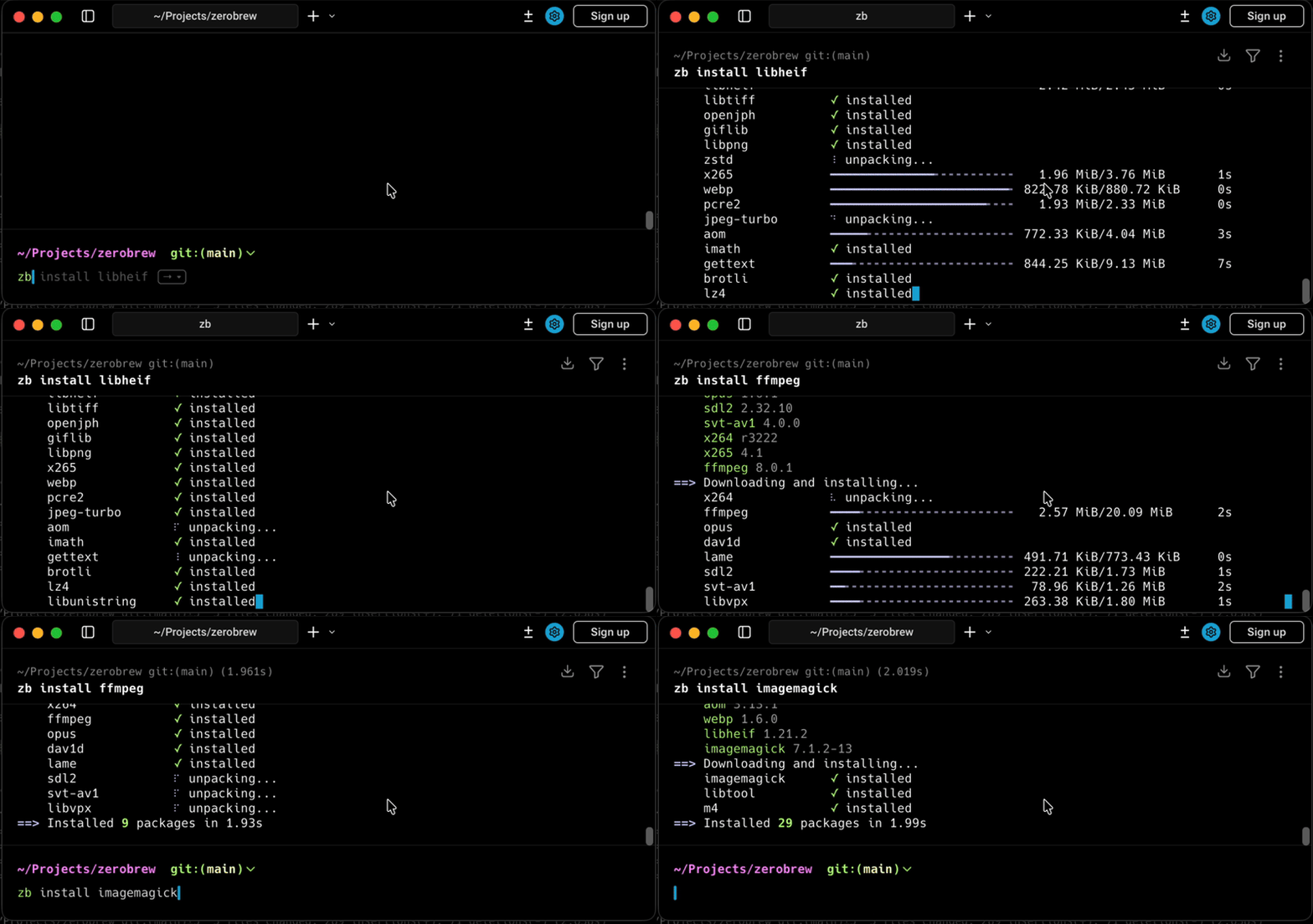
Lightning-fast Homebrew-compatible package manager using parallel downloads, APFS clonefiles, and content-addressed storage for instant reinstalls.
zerobrew is a high-performance package manager that brings modern architecture to Homebrew's ecosystem. It's fully compatible with Homebrew bottles and formulas, making it an ideal drop-in alternative for macOS and Linux users.
The performance gains come from several key innovations:
- Parallel processing: Downloads and extracts packages simultaneously instead of sequentially
- APFS clonefiles: Uses copy-on-write technology on macOS to copy packages by reference, eliminating disk overhead
- Content-addressed storage: SHA256 hashed storage prevents duplicate data and enables instant reinstalls
- Garbage collection: Built-in
gccommand removes unreferenced data to reclaim space
Benchmarks show 5-20x faster performance compared to Homebrew, with warm cache installs reaching up to 29x speedup on larger packages. The tool supports all standard Homebrew commands—install, upgrade, uninstall, list, doctor—plus bundle management for Brewfile support.
While experimental, zerobrew is already production-ready for many common formulas. It's designed to run alongside Homebrew rather than replace it, giving you the flexibility to test performance improvements without commitment. Perfect for developers who value speed and efficiency in their package management workflow.
Install
$ brew install zerobrewFeatures
Media


Pros
4- Homebrew-compatible package manager
- Faster package installations using parallel downloads
- Efficient storage with APFS clonefiles and content-addressed storage
- Instant reinstalls due to content-addressed storage
Cons
1- Experimental, recommended to run alongside Homebrew
Related tools

Activity score
89/100
Stars
8,185Forks
191Latest version
v0.4.0Last commit
2 days agoFirst release
9 monthsLanguage
RustLicense
Apache-2.0
Auto-fetched .
Recent releases
- 8 days ago
- 15 days ago
- 16 days ago
- 4 months ago
- 5 months ago
Similar to zerobrew