
git-standup
Quickly recall commits from your last working day across single or multiple git repositories with flexible filtering options for authors, dates, and branches.
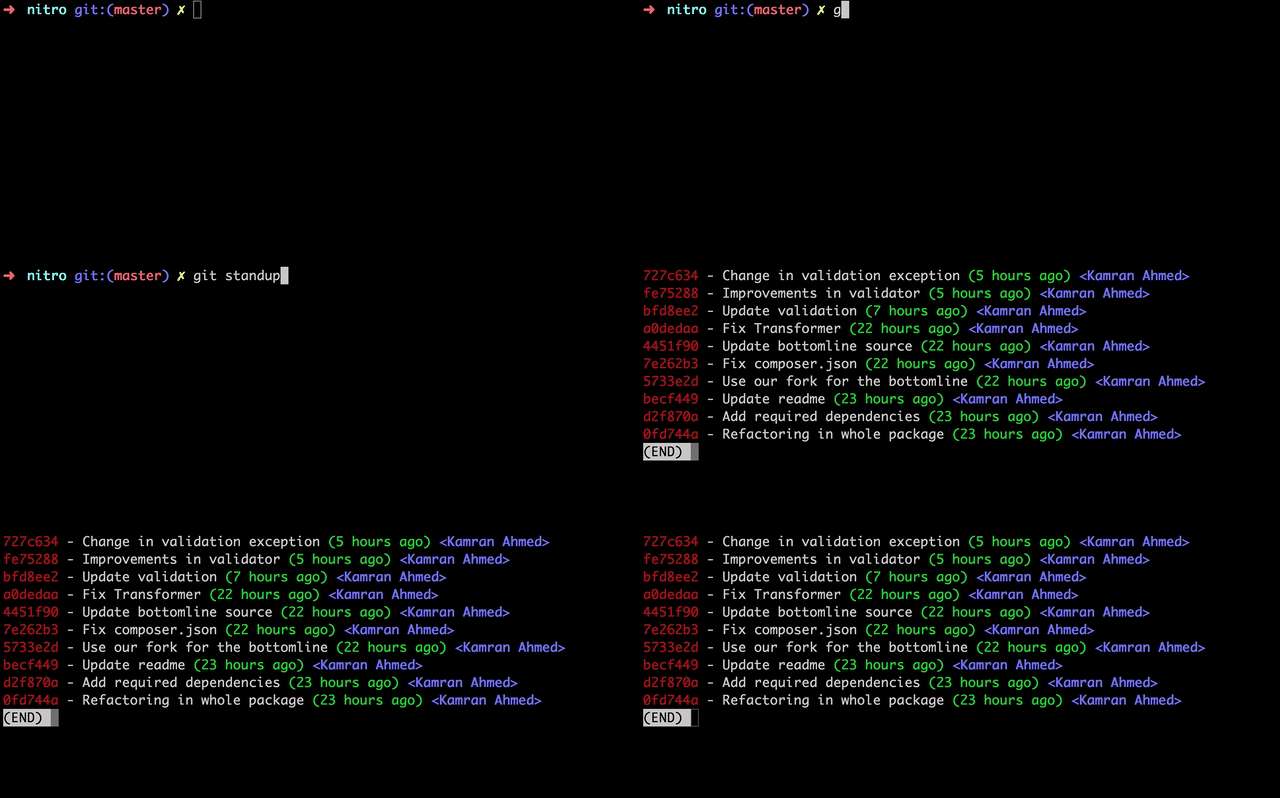
git-standup is a command-line tool designed to help developers remember what they accomplished during their last working day. Whether you're preparing for a standup meeting or tracking progress across multiple projects, this tool automatically retrieves your recent commits with minimal effort.
The tool works by analyzing git commit history and presenting a clear summary of your work. By default, it shows commits from the last working day in the current directory and all subdirectories, making it perfect for developers juggling multiple repositories simultaneously.
Key Features:
- Single and multi-repository support - Run once to see commits across all your projects
- Flexible author filtering - Check your own commits, specific team members, or everyone's work
- Customizable date ranges - View commits from specific days, weeks, or custom date ranges
- Branch filtering - Restrict results to specific branches or remote tracking branches
- GPG signature verification - Identify signed commits with the
-gflag - Diff statistics - See file changes and line modifications with the
-coption - Multiple installation methods - Install via npm, Homebrew, curl, or manual setup
- Configurable work weeks - Adjust for different working schedules (e.g., Sunday-Thursday)
- Directory whitelisting - Focus on specific projects using
.git-standup-whitelistfiles
Getting Started:
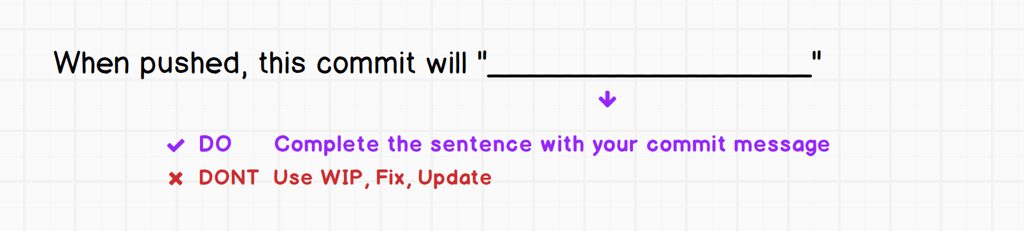
Simply navigate to your project directory and run git standup. For multiple repositories, run it in the parent directory. The tool requires only one thing: good commit messages. You can customize behavior with various flags like -a for author filtering, -d for days back, -b for branch selection, and many more options for advanced use cases.
Features
Media



Pros
4- Summarizes git commits from the last working day.
- Supports filtering by author, date, and branch.
- Works across single and multiple git repositories.
- Provides flexible options for customizing output.
Related tools




Activity score
42/100
Stars
7,857Forks
321Latest version
2.3.2Last commit
1 year agoFirst release
11 yearsLanguage
ShellLicense
MIT
Quiet lately: No commits in 1 year — this project might not be actively maintained.
Auto-fetched .
Recent releases
- 7 years ago
- 8 years ago
- 8 years ago
- 10 years ago
- 10 years ago
Similar to git-standup