
vhs
CLI tool for recording terminal sessions and rendering them as animated GIFs, MP4s, or WebM videos. Define sessions with simple tape files, customize output size and font, and publish animations instantly.
VHS lets you record terminal sessions as code and transform them into polished animated GIFs, MP4s, or WebM videos. Perfect for developers, open-source maintainers, and educators who need to visually demonstrate command-line tools in action.
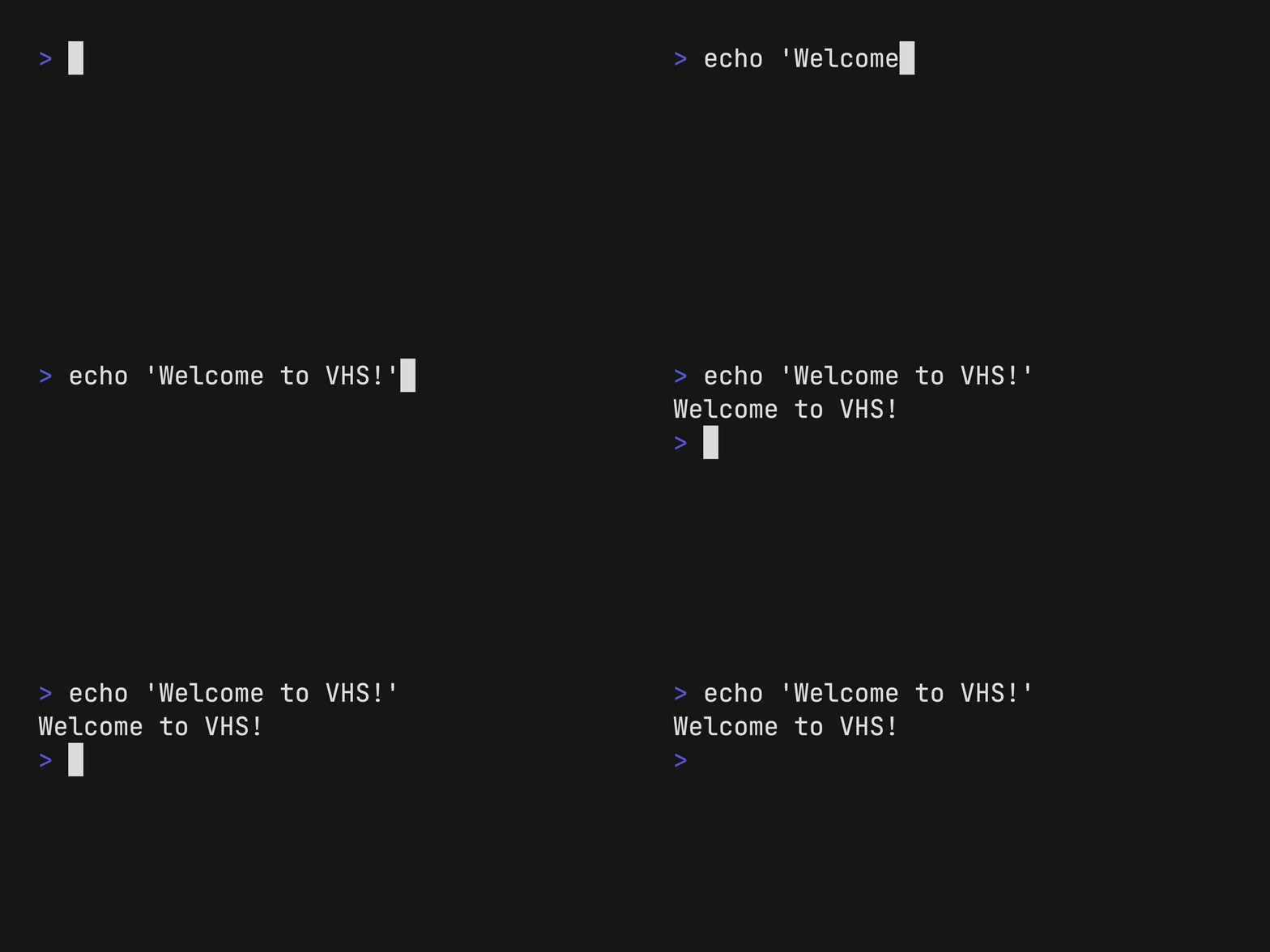
Define your terminal sessions using simple tape files—a straightforward scripting format that gives you complete control over every keystroke, pause, and command. Commands like Type, Enter, Sleep, and Wait let you choreograph exactly what happens on screen. Use the Output command to specify your desired format (GIF, MP4, or WEBM), and customize terminal appearance with font size, dimensions, and syntax highlighting.
Key capabilities include:
- Programmatic terminal recording with tape file scripting
- Multiple output formats: animated GIFs, MP4 videos, and WebM files
- Environment variable configuration and command hiding for cleaner demos
- Screenshot functionality to capture individual frames
- SSH server built-in for remote access and execution
- One-command publishing to vhs.charm.sh for easy sharing
- Tape recording from live terminal sessions
Ideal for creating tutorial screencasts, adding animated demos to documentation, setting up continuous integration examples, and generating repeatable demonstrations for CLI applications. The tape file approach ensures your demos are reproducible, version-controllable, and easy to maintain.
Install
$ brew install vhsFeatures
Media


Pros
4- Records terminal sessions to reproducible tape files.
- Outputs recordings as animated GIFs, MP4s, or WebM videos.
- Supports customization of output size and font.
- Includes a built-in SSH server for remote access.
Cons
1- Requires ttyd and ffmpeg to be installed separately.
Related tools

Similar to vhs